Modelai3d
Say hello to

Modelai3d turns a written prompt or a single photo into a workable 3D asset, and pairs that generator with a growing shelf of ready-made models.

Modelai3d: Make & shop 3D with AI

Create yours
  • AI-driven modelling
  • Made for games & XR
  • Licenses for client work

The Modelai3d workflow

Three moves on Modelai3d: write a brief, let the AI shape it, then take the file wherever your project lives.

White rounded UI card with a grey prompt text field asking to explain an idea and a blue generate button below, flat interface screenshot

01 · Describe it. Type a short brief: object, material, style. One sentence is enough to begin.

Your model is taking shape ...

02 · Let it build. The AI drafts geometry and surface detail while the preview fills in.

White rounded UI card announcing a finished 3D model, showing a group of cute stylised cartoon animal figurines above a blue download button

03 · Take it with you. Grab the mesh and drop it into your engine, slicer or scene.

Prompt to 3D

Type a description and Modelai3d sculpts it into a mesh.

Glowing translucent mint-cyan lotus-shaped 3D lamp with layered petals on a small round base, soft studio render on transparent background
A frosted jade lotus lamp, petals glowing softly from a hidden core ...

Photo to 3D

Upload one picture and receive an editable model you can keep refining.

Photo of a cream plush bunny on green grass beside its fluffy 3D model version, connected by dotted arrows, image-to-3D illustration

Smart textures

Paint lifelike surface maps onto any mesh with a few words.

Colourful patchwork-textured vintage beetle car next to an untextured white version, linked by dotted arrows, AI texturing illustration

Clean remesh

Modelai3d rebuilds messy geometry into tidy, engine-ready topology.

Two small retro robot 3D models side by side, a rough version and a cleaned-up remeshed version, joined by dotted arrows

Why creators pick Modelai3d

Engine-ready exports

Meshes tuned to load cleanly in real-time engines and game builds.

Studio & store in one

Generate on Modelai3d, or pick up a finished piece from fellow artists.

A calm interface

Built around outcomes, not a maze of panels and sliders.

Scales with you

Works for solo hobbyists, busy studios and whole development teams.

Discover models in the market

Scroll through AI-built and artist-made assets shared by the Modelai3d community.
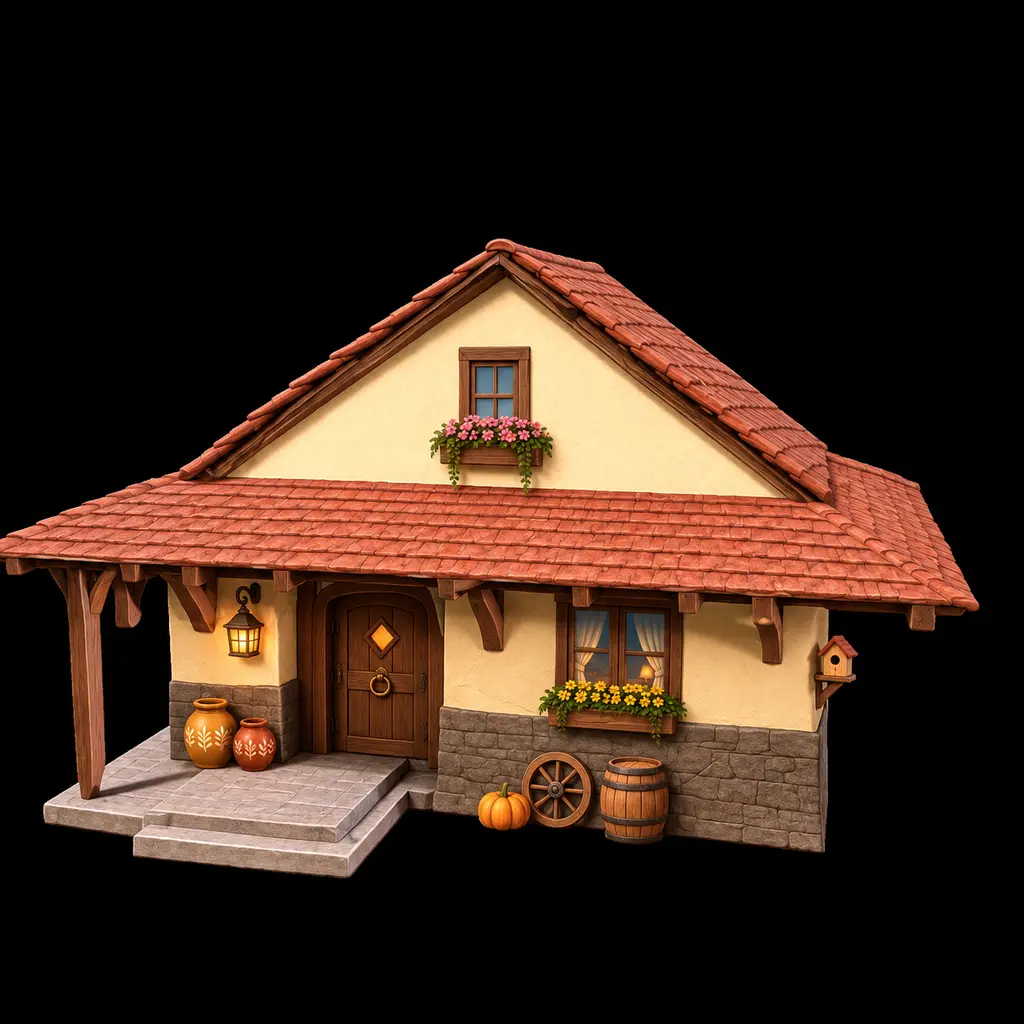
Textured 3D model of a cosy two-storey cottage with a red tiled roof and cream walls, isolated three-quarter view render
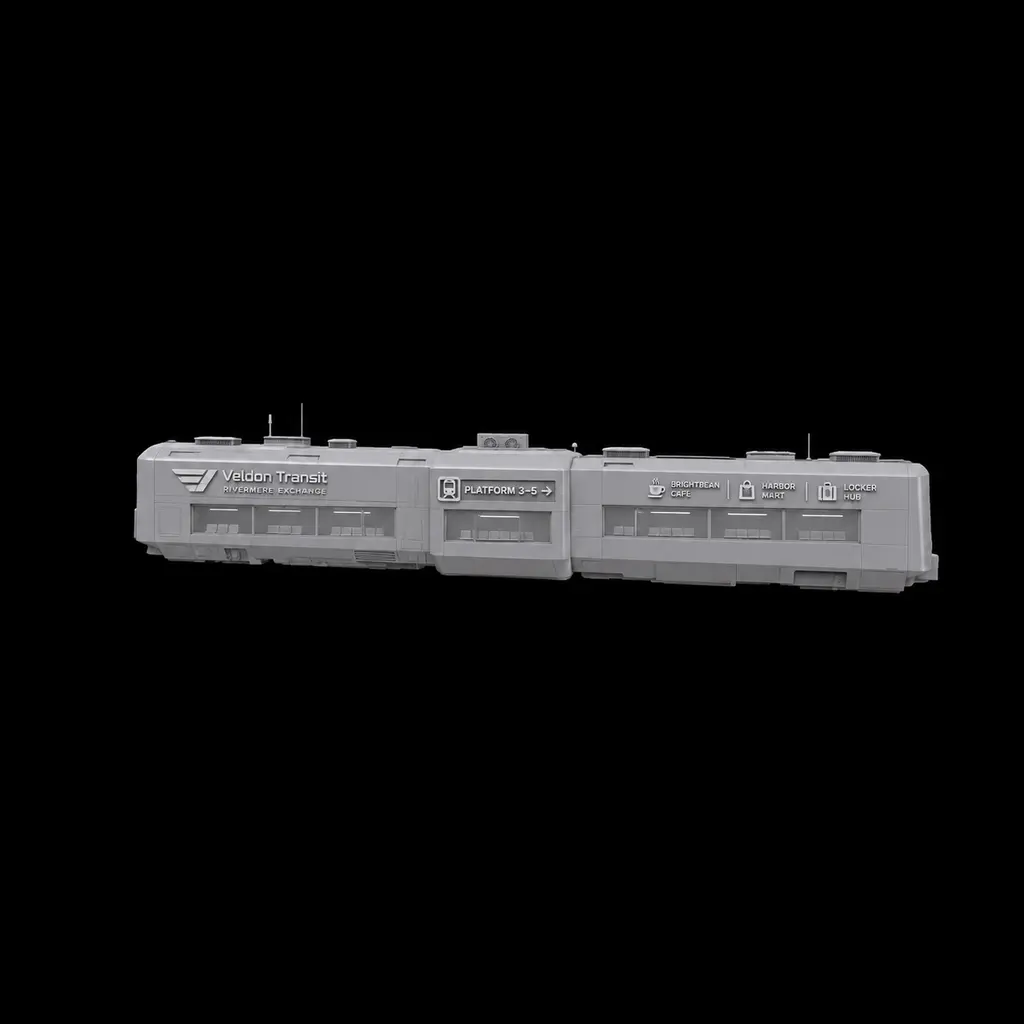
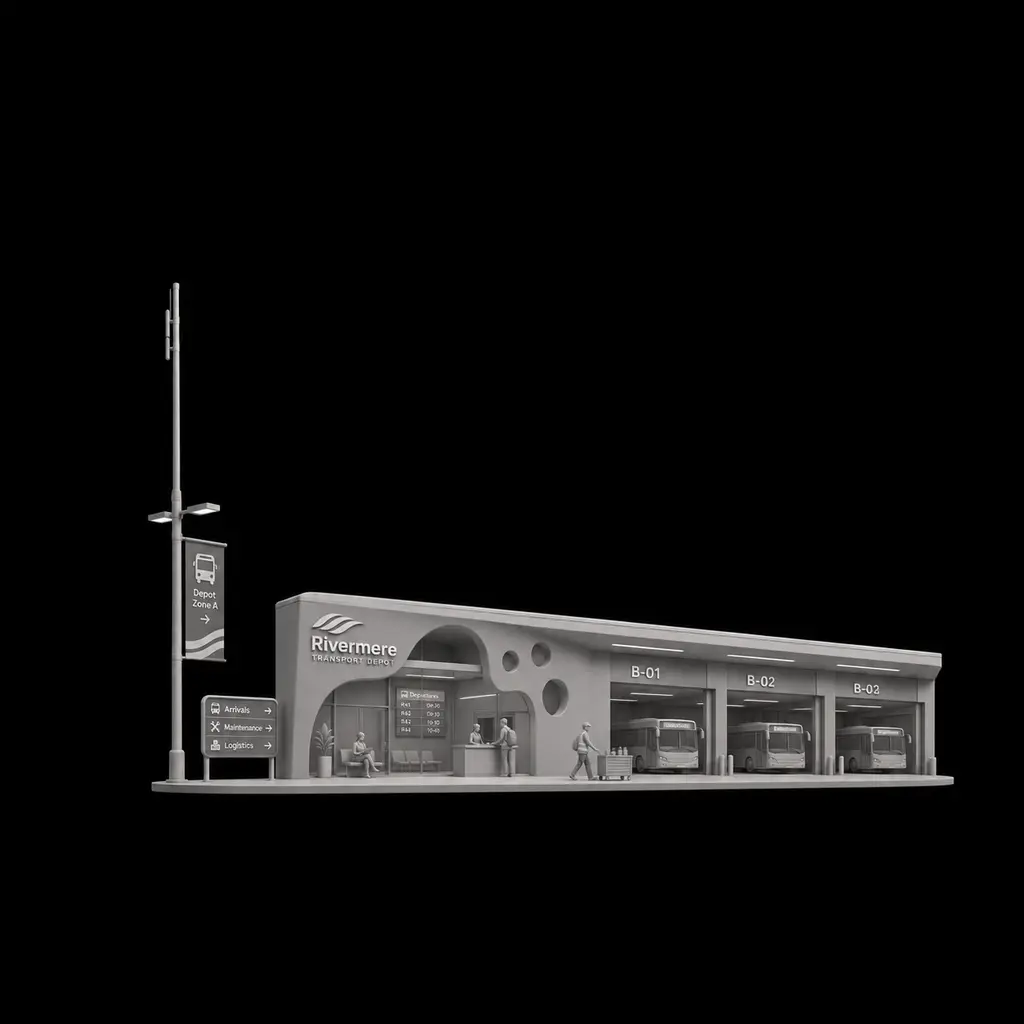
Long low grey untextured 3D model of an industrial transit station building, side view clay render
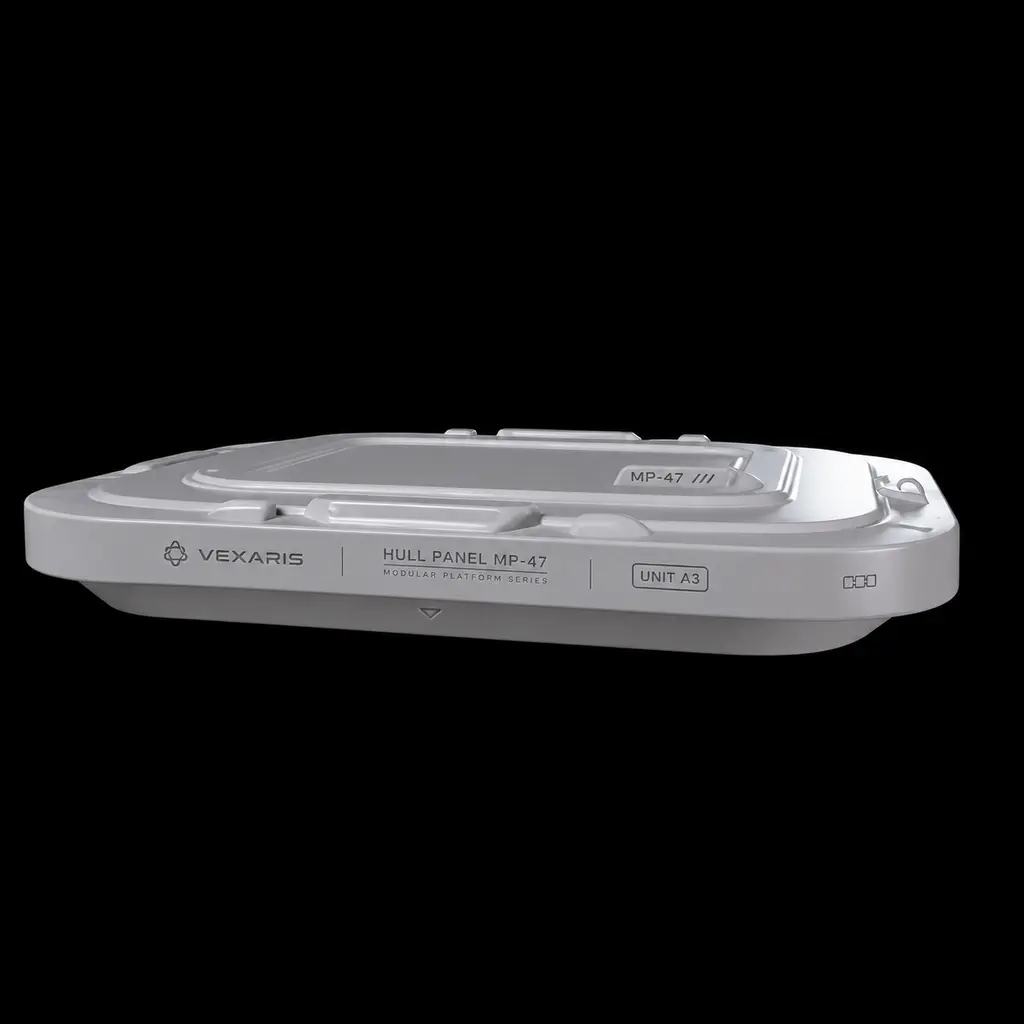
Grey untextured 3D model of a flat modular panel shaped like a rounded hull, three-quarter clay render
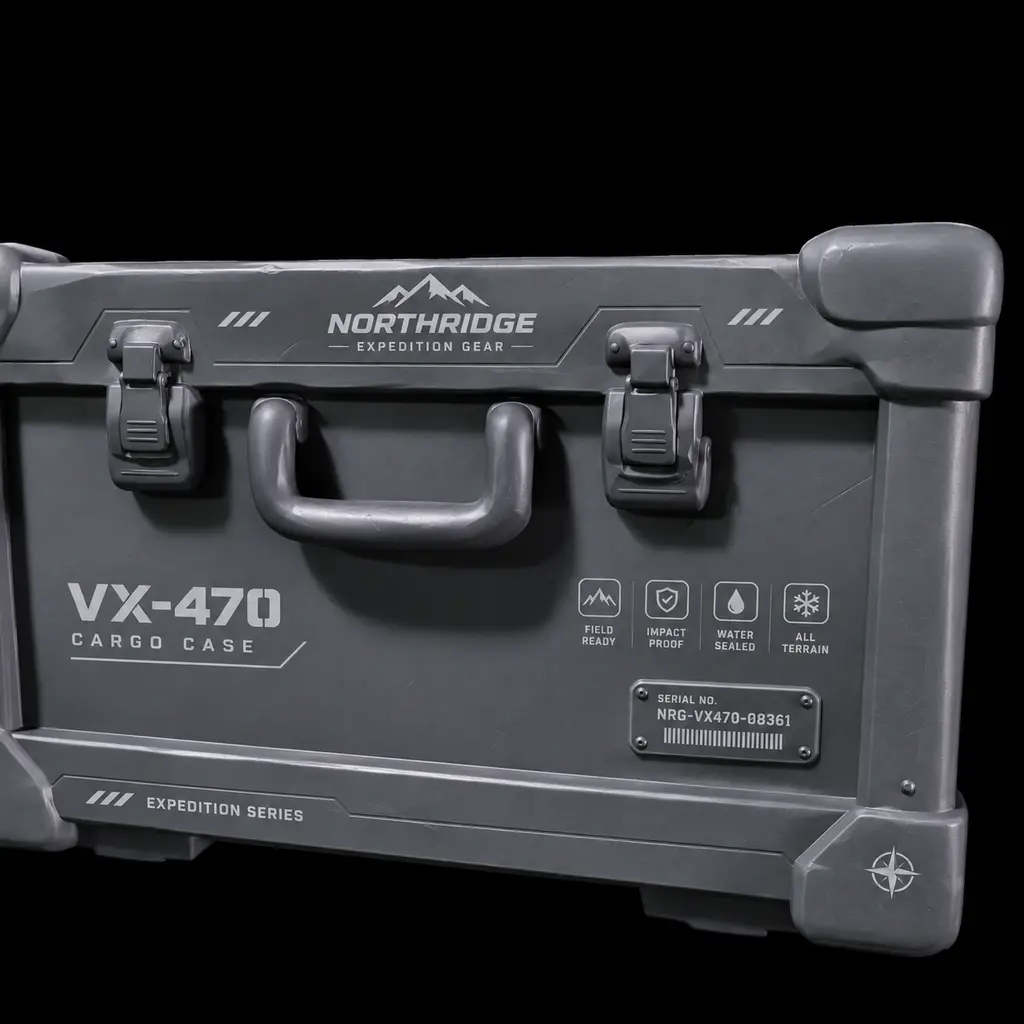
Dark grey 3D model of a rugged hard-shell cargo case with latches and a carry handle, front view render
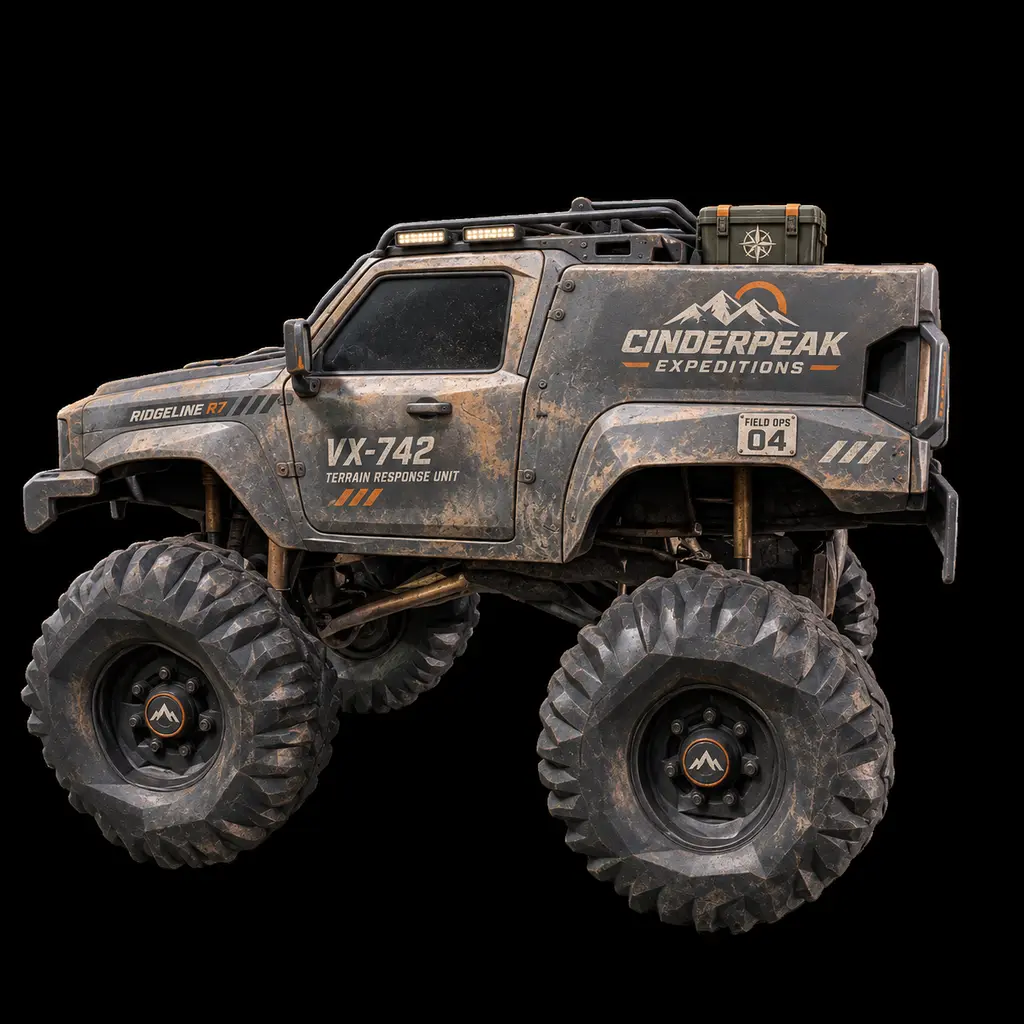
Weathered grey off-road truck 3D model with oversized tyres and a roof rack, three-quarter view render
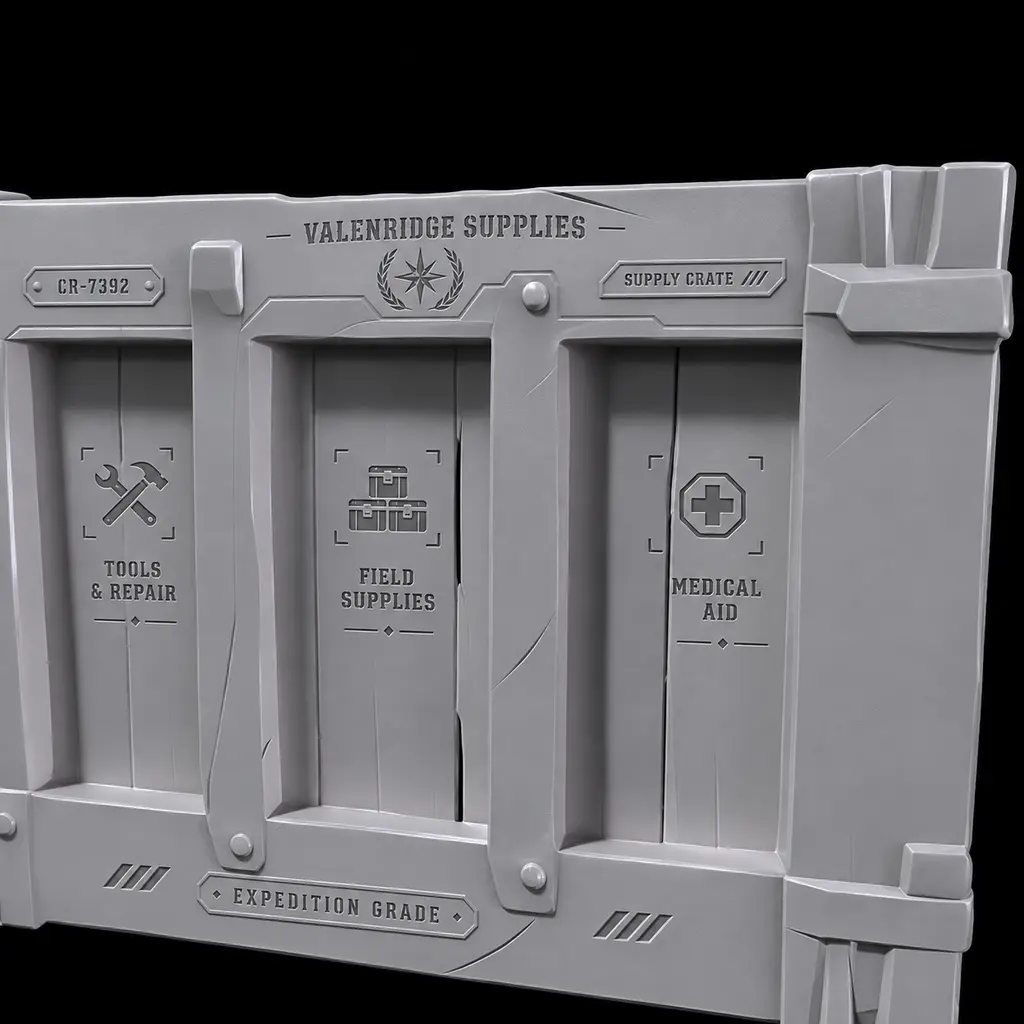
Grey 3D model of an ornate supply crate with reinforced corners, clay-style studio render
Grey untextured 3D model of a modern transport depot building with a long roofline, clay render
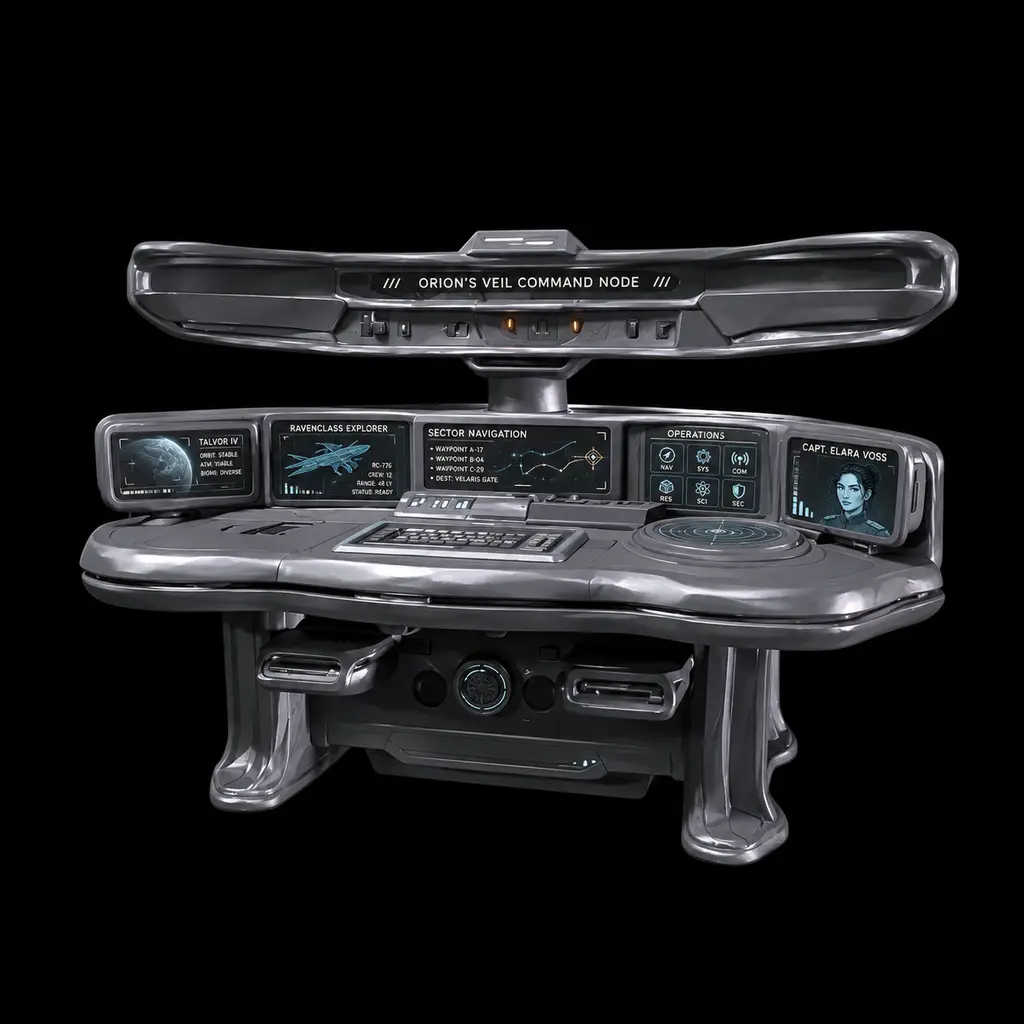
Grey 3D model of a command console desk with screens and control panels, three-quarter clay render
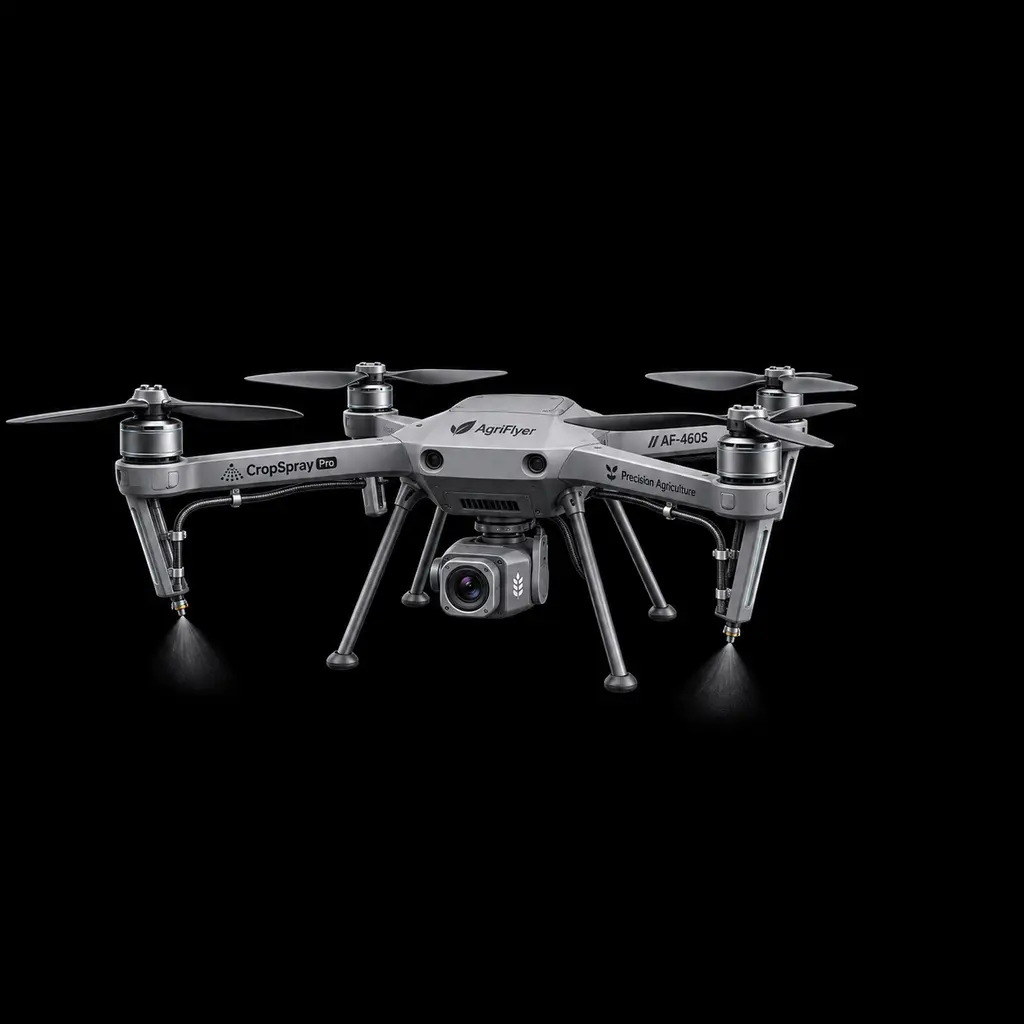
Grey 3D model of an agricultural quadcopter drone with spray arms, top three-quarter view render
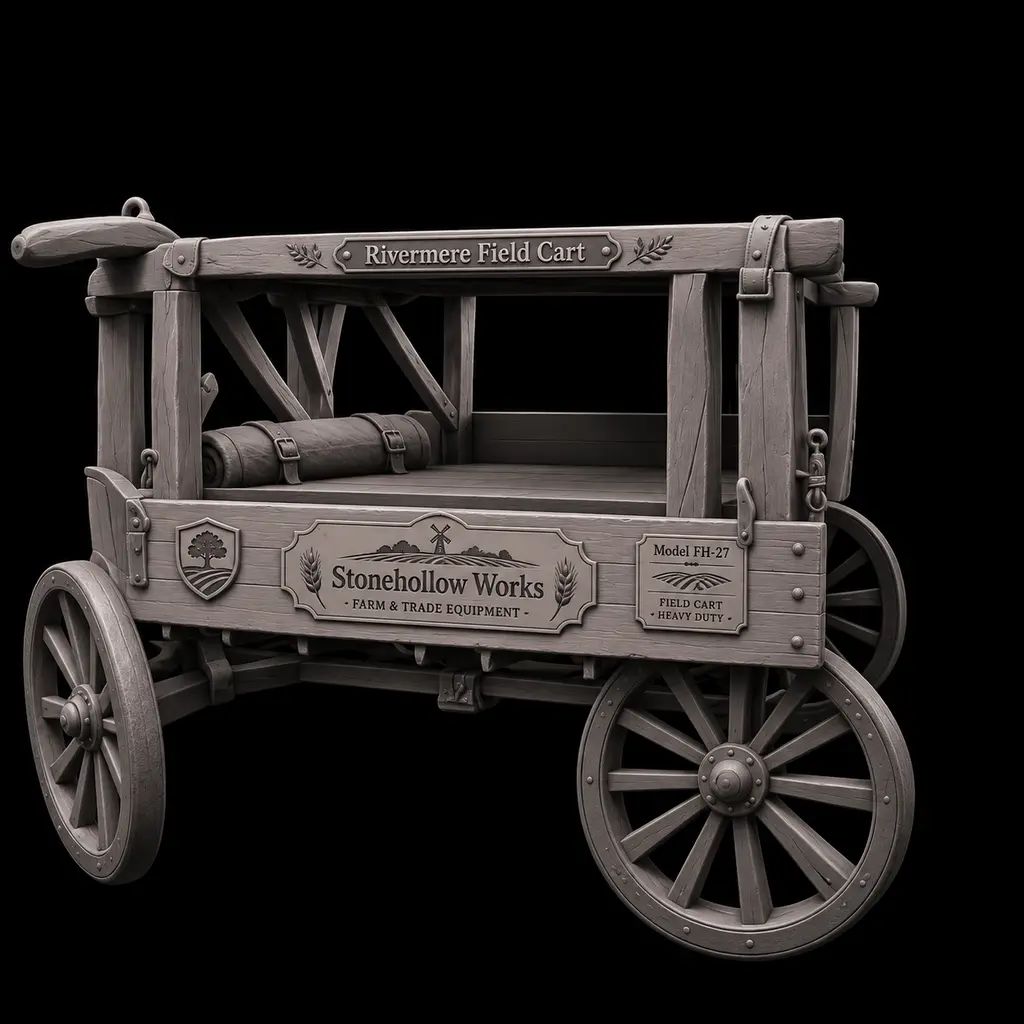
Grey 3D model of a sturdy four-wheel field cart with a flat bed, side three-quarter clay render
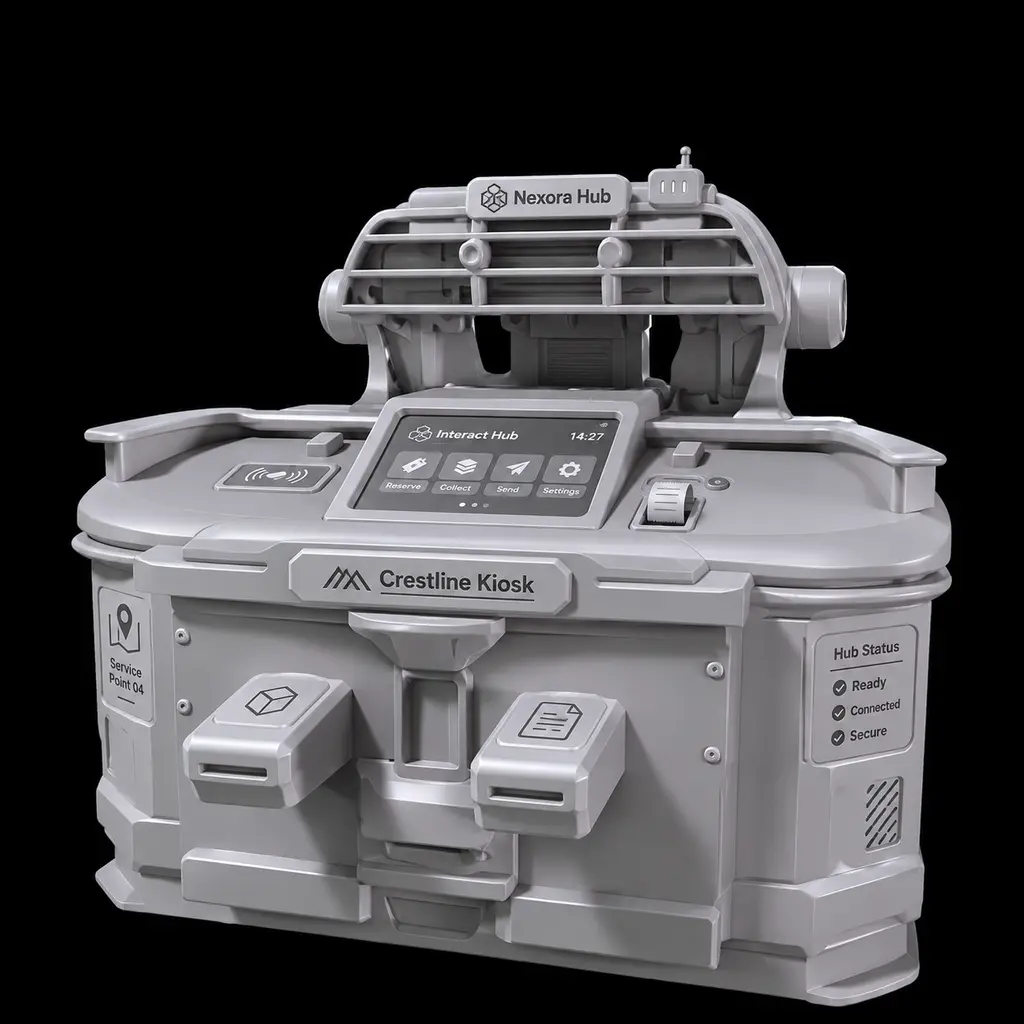
Grey 3D model of a compact interactive kiosk hub with a touchscreen, studio clay render
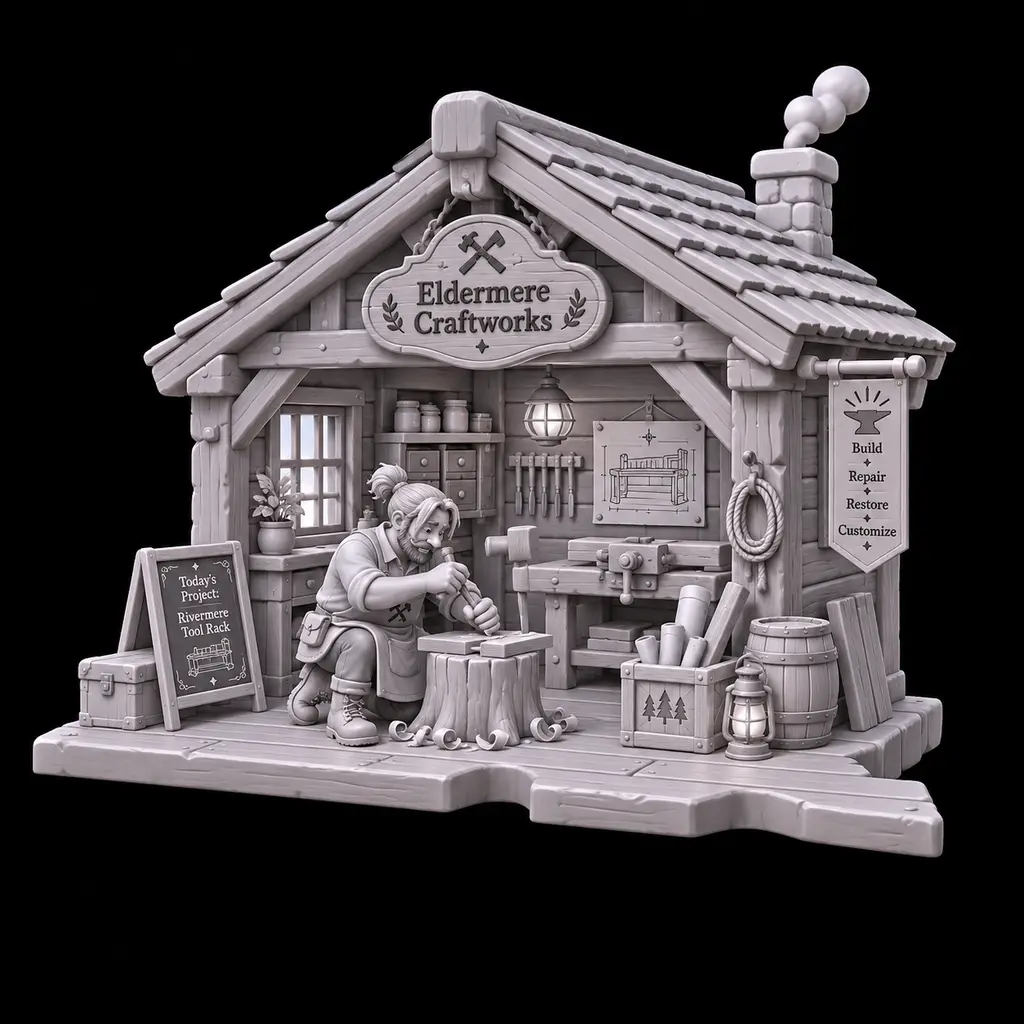
3D model of a small craftsman workshop cabin with wooden details, isolated three-quarter render

Where it fits

Modelai3d serves makers, studios and professional teams

Glossy royal-blue game controller 3D icon, three-quarter view, soft studio lighting on transparent background

Game production

Props, characters and set dressing you can place straight into a level.

White and navy VR headset with a padded strap, 3D icon in three-quarter view on transparent background

AR & VR experiences

Lightweight meshes that stay smooth inside headsets and phone AR.

Small white product prototype objects on a round grey display pedestal, minimalist 3D icon on transparent background

Product renders

Show packaging and prototypes from every angle before anything is manufactured.

Isometric navy-blue glass office building 3D icon on a square base, on transparent background

Spaces & buildings

Block out facades and interiors quickly with Modelai3d concept geometry.

Questions, answered

What is Modelai3d?

Modelai3d is a creative space for building 3D assets with AI. Describe an object in words, start from a reference photo, retexture an existing mesh, or browse a market of finished pieces made by other creators.

Which file formats can I export?

Exports aim at formats artists already rely on, such as GLB, FBX and OBJ, so a model can move into Blender, Unity or Unreal without extra conversion. Check the export panel for the options on each asset.

Can I use generated models in client work?

Plenty of creators do. Usage rights depend on the asset and your account settings, so read the terms shown with each download before shipping it in a game, an advert or a product.

How do I write a better prompt?

Name the object, its material, its style and the mood. "A weathered bronze lantern, low-poly, game-ready" beats "a lamp". Modelai3d responds best to short, concrete briefs you refine step by step.

Does AI replace learning Blender?

Not entirely. Modelai3d handles the first draft and the tedious cleanup, while Blender stays useful for rigging, fine sculpting and scene layout. Many artists combine both to move faster.

Can I list my own models in the market?

The Modelai3d market shows creator uploads next to AI-made pieces, which makes it a natural home for finished work. Review the listing guidelines inside your account before publishing anything.

Turn your next idea into a 3D model today

Open Modelai3d, describe what you need, and watch a first draft take form.

Start now
Dark navy backdrop scattered with softly blurred grey bokeh circles
Get started
Get started